Free
Start with up to 5 active reminders.
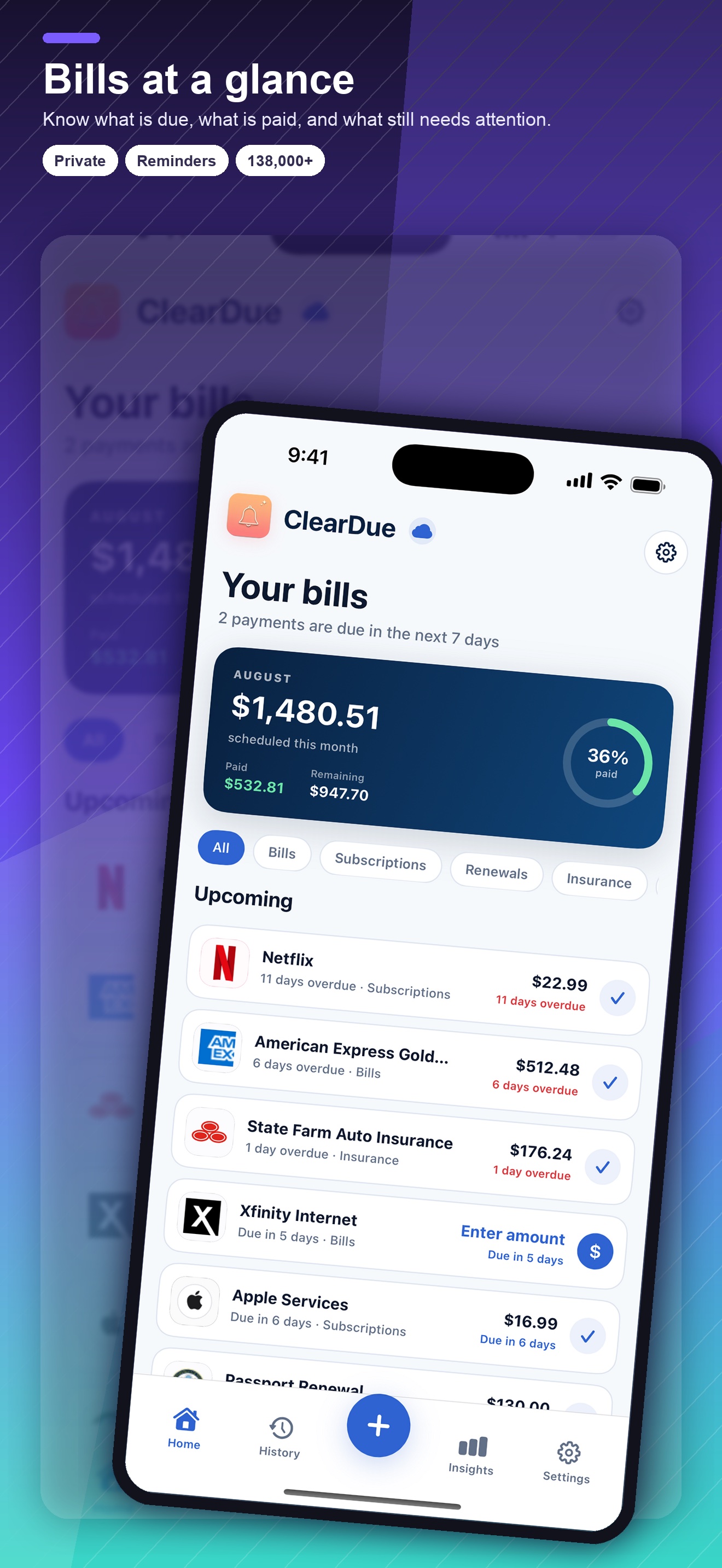
- Track bills, subscriptions, and renewals
- Search providers or add your own
- See upcoming and overdue items
- Mark items paid
ClearDue Bill Tracker for iPhone and iPad
Keep bills, recurring payments, renewals, and subscriptions together without the stress.
Start free with up to 5 active reminders. Optional Premium adds unlimited reminders and more. No bank connection required.
Download ClearDue Bill Tracker on the App Store138,000+ preloaded provider entries across the United States, Canada, the United Kingdom, New Zealand, and Australia.
Start with up to 5 active reminders.
More reminders and tools for your routine.
Premium is an optional paid subscription. See current local pricing and any eligible trial in the app before subscribing.
Download ClearDue Bill Tracker on the App StoreSearch for a bill or subscription provider, or add a custom provider for anything else.
Check your latest statement, then enter the next due date and repeat schedule.
Choose enough lead time to review or pay. Start with your next few bills, then build your routine.
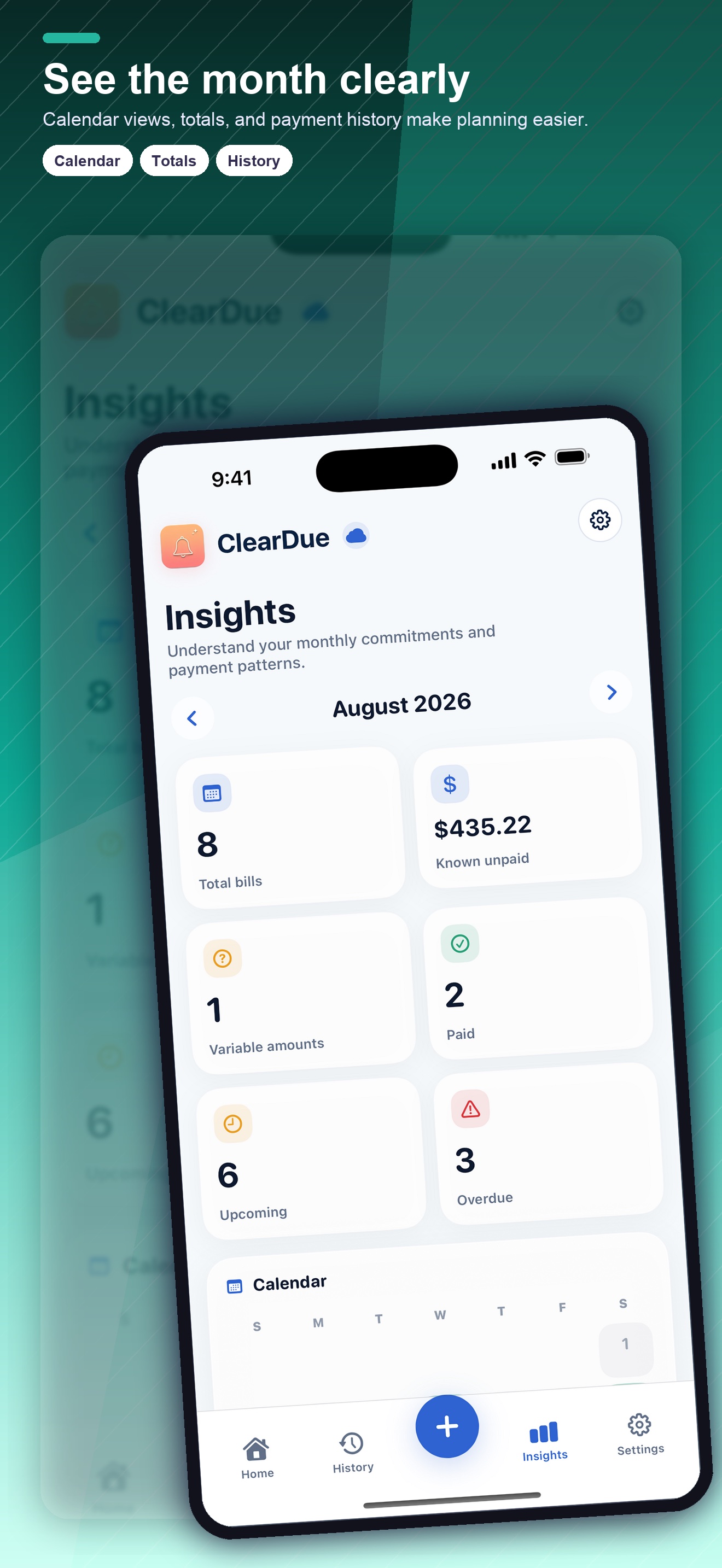
Organize rent, utilities, insurance, phone plans, memberships, streaming services, app subscriptions, and annual charges by due date and repeat schedule. Mark items paid, review what is overdue, and keep changing amounts visible without rebuilding a spreadsheet every month.
A useful reminder arrives before the due date. ClearDue Bill Tracker helps you plan for manual payments, review autopay, update an expired card, or decide whether an annual subscription is still worth renewing.
Search more than 138,000 preloaded provider entries in the United States, Canada, the United Kingdom, New Zealand, and Australia across utilities, banks, credit cards, insurance, telecom, municipal services, state and provincial services, federal services, water, sewer, waste, and subscriptions, or add a custom provider in seconds.
The app is an organization tool rather than a bank dashboard. Search across 138,000+ provider entries, add custom providers, sync due dates with Apple Calendar, use Home Screen widgets, scan bills, review payment history, and optionally sync through iCloud.
You choose which obligations to add and which reminder timing fits each one. That makes the dashboard useful for household bills and renewals that may not appear in a single financial account, while keeping payment decisions with you.
Begin with the obligations due in the next 30 days, then add quarterly and annual renewals. Confirm each next due date against a current statement or provider account, choose an early reminder, and mark the payment method as manual or automatic. A smaller accurate list creates more value than importing stale records you will not trust.