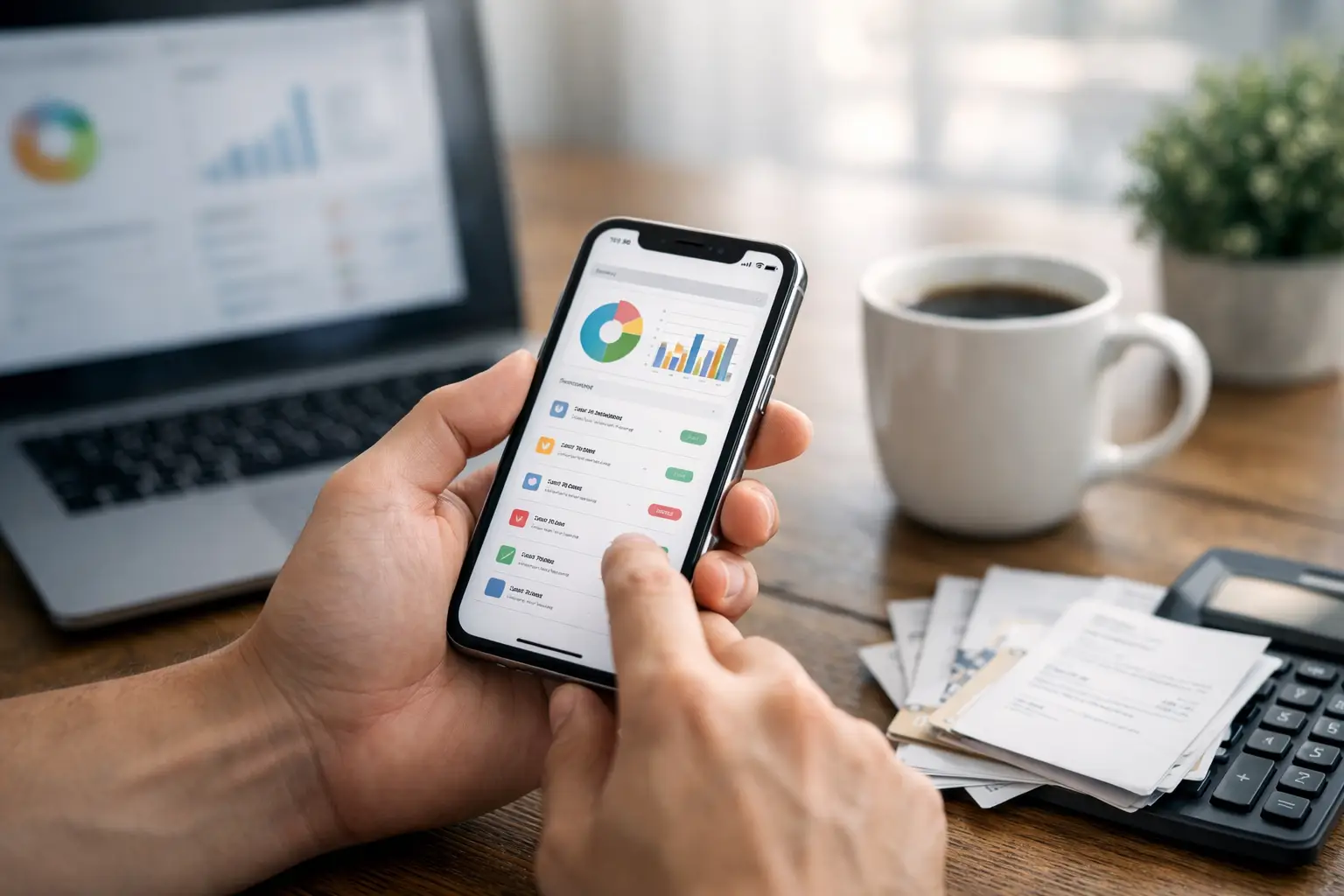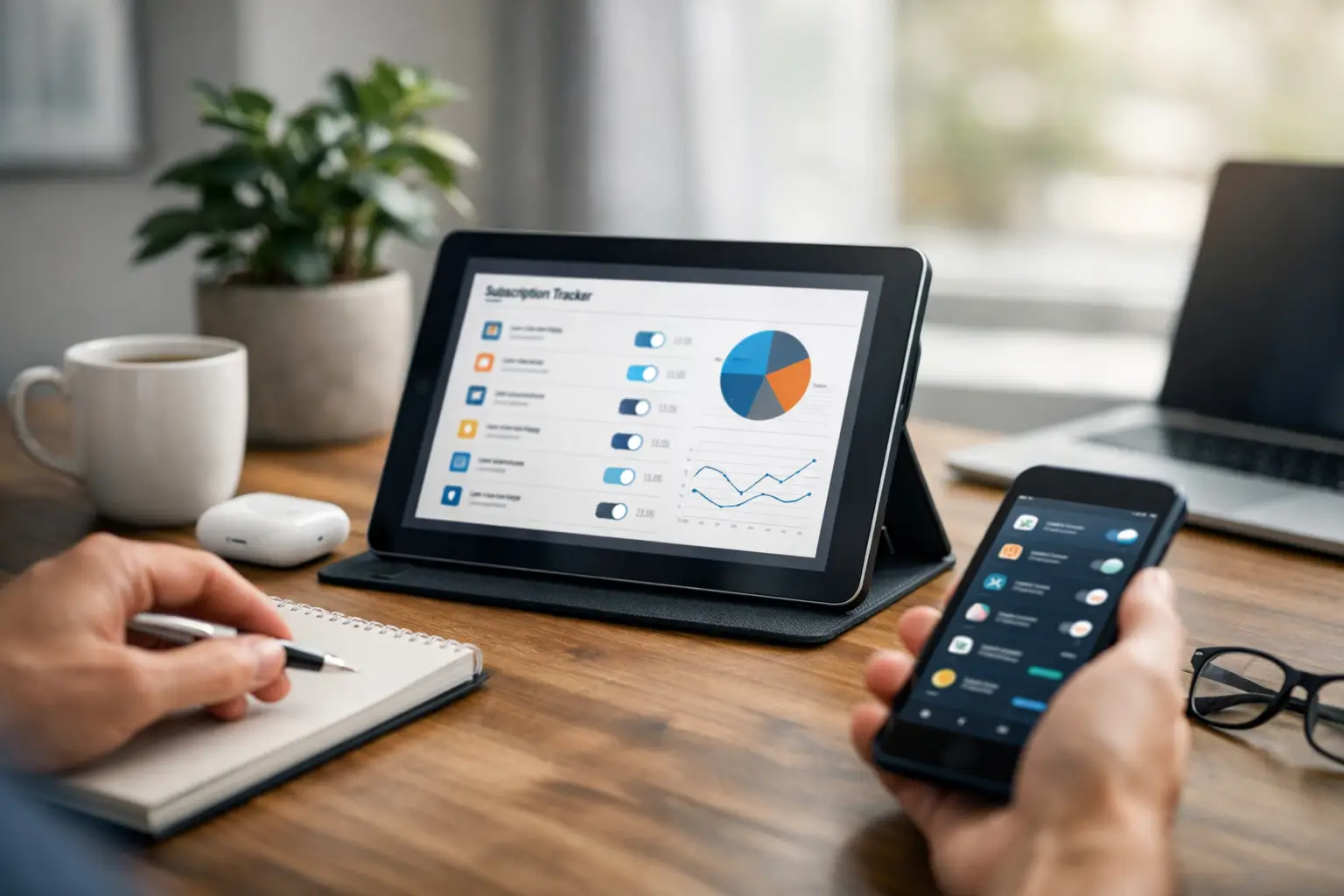
Subscriptions are easy to underestimate because each charge feels small on its own. The problem is the pileup: a streaming plan, a cloud storage renewal, a software subscription, a delivery membership, an annual app charge, and a free trial that quietly became paid. A subscription tracker gives those recurring payments one place to live before they become surprise charges.
The point is not to track subscriptions for the sake of tracking. The point is to know what is active, when it renews, what it usually costs, and whether it still deserves a place in your monthly or annual routine.
If you are choosing a tool rather than setting up the routine itself, use our comparison of subscription tracking apps to weigh focused reminders against bank-linked money platforms.
Start with the subscriptions you already pay for
Look through recent card and bank statements, App Store subscriptions, email receipts, and account pages. Capture anything that repeats: monthly, quarterly, annual, or trial-based. Do not skip small charges. Small renewals are the ones most likely to stay active because they do not feel worth dealing with in the moment.
For each subscription, record the service name, renewal date, billing frequency, expected amount, payment method, and whether you plan to review it before the next charge. This creates a useful working list instead of a vague sense that subscriptions are somewhere in your statements.
Annual renewals need earlier reminders
Monthly subscriptions stay visible because they appear often. Annual renewals disappear for long stretches, then return when you are least likely to remember why you signed up. Those renewals deserve earlier reminders, often one or two weeks before the charge.
That lead time changes the decision. Instead of reacting after the payment posts, you can decide whether to keep the service, change plans, cancel, or update the card on file.
Free trials need their own rule
Free trials are not really free if you forget the conversion date. Add the trial as soon as you start it, then set a review reminder before the paid period begins. The reminder should be early enough that you can cancel without rushing through account settings at the last minute.
This is one of the simplest ways a subscription tracker saves stress. You are not depending on the service to remind you in the way you prefer. You are giving yourself a neutral checkpoint.
Subscription tracking is different from budgeting
A budgeting app can show where money went. A subscription tracker is more concerned with what will renew next. Both views can be useful, but they answer different questions. If your main worry is surprise renewals, due dates, and recurring charges, renewal visibility matters more than a broad category chart.
That is why a focused tool can be easier to maintain than a large finance system. You can keep the workflow close to the job: what repeats, when it renews, and what needs review.
Organize subscriptions with bills and renewals
Subscriptions rarely exist in isolation. They share cards with utility bills, renew alongside memberships, and compete with other recurring household obligations. Keeping subscriptions near your bill reminders gives you a fuller picture of what is coming up.
ClearDue Tracker is designed for this kind of practical visibility on iPhone. It keeps bills, subscriptions, due dates, and renewal reminders together without claiming to pay bills or import bank transactions.
What to review each month
- New subscriptions started during the month.
- Trials that will convert soon.
- Annual or semiannual renewals coming up in the next 30 days.
- Services with changed pricing or payment methods.
- Subscriptions nobody in the household still uses.
A good subscription tracker should make that review quick. When every renewal has a date and reminder, subscription management becomes a short habit instead of an occasional cleanup after charges have already happened.