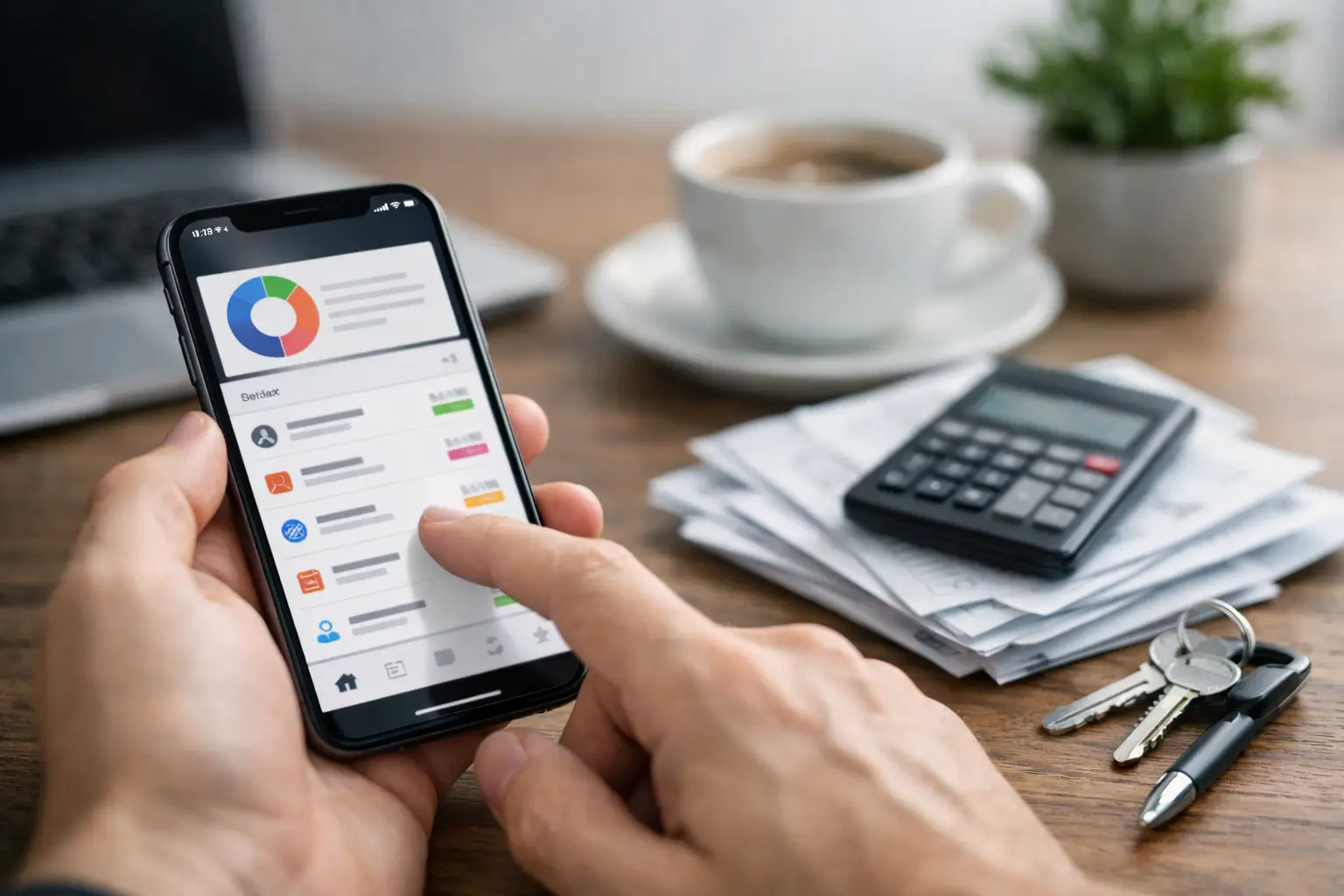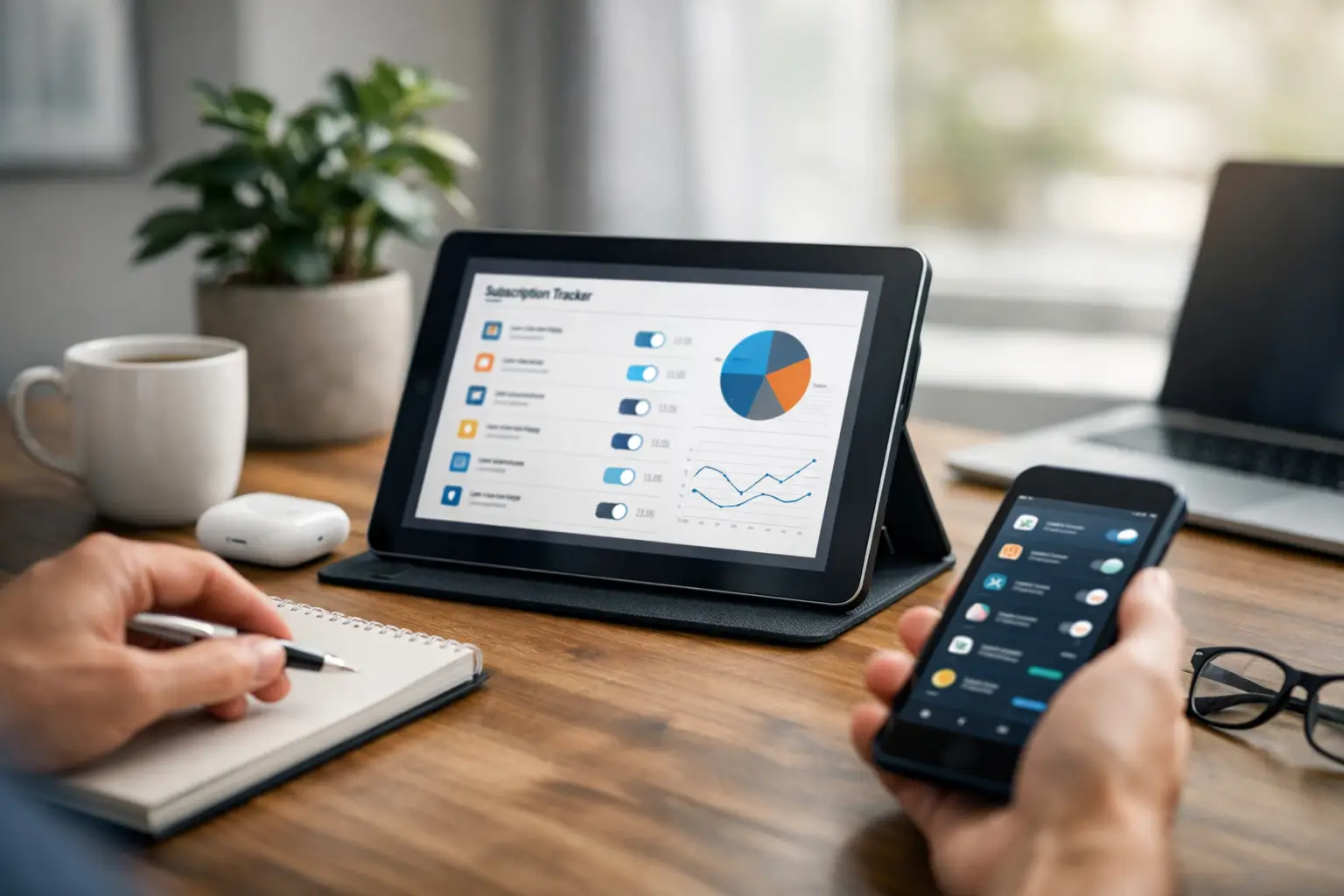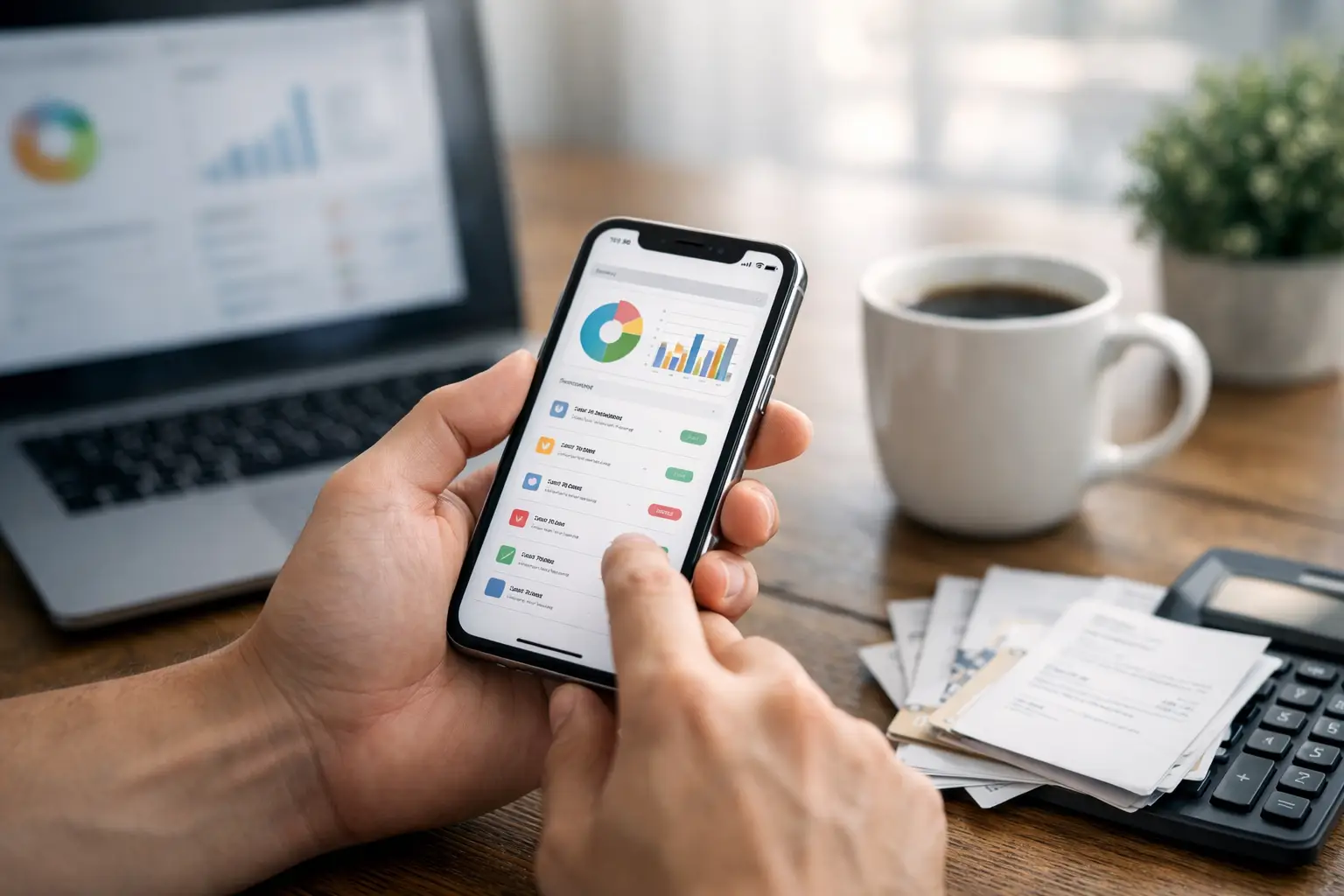
You usually notice the problem with an iphone bill organizer a few minutes too late. A due date slips by, a free trial turns into a charge, or a bill reminder lives in one app while the account details live somewhere else. The issue is rarely the bill itself. It is the scattered system behind it.
For most people, bill management breaks down in small ways. A utility payment is set to autopay, but the annual subscription is not. A family streaming plan renews on one date, the phone bill on another, and insurance or tuition or a membership bill lands on a different cycle altogether. Nothing looks overwhelming on its own. Together, it becomes mental clutter.
That is why the best iPhone bill organizer is not the one with the most features. It is the one that makes recurring obligations easy to see, easy to update, and easy to remember. If it takes too much effort to maintain, most people stop using it after the first month.
What an iPhone bill organizer should actually do
A useful iphone bill organizer should give you a clear picture of what is due, when it is due, and what repeats. That sounds basic, but plenty of systems fail right there. Notes apps get messy. Calendar reminders work until they are mixed in with everything else. Spreadsheets can be useful, but they often become one more thing to maintain.
The real job of a bill organizer is not just storing information. It should reduce the number of places you need to check. It should help you spot patterns, like monthly charges, annual renewals, and subscriptions you keep forgetting about until the charge hits.
That matters because bills are rarely a one-time task. They are recurring responsibilities. Once you see them that way, the right setup becomes less about tracking money in a broad sense and more about managing deadlines, payment visibility, and reminders in a way that fits everyday life.
Why scattered bill tracking stops working
A lot of iPhone users already have some kind of system. The problem is that it is usually split across too many tools. There may be an email folder for receipts, a bank app for checking transactions, a calendar reminder for rent, a text from a provider, and a note with annual renewal dates.
That kind of setup can work for a while, especially if your bills are simple. But it becomes unreliable when life gets busy. If the information is spread across different places, you have to remember where everything lives before you can even act on it.
That is where people start missing small but avoidable details. A subscription renews because the cancellation date was buried in email. A due date changes and the old reminder keeps repeating. A couple shares household expenses, but only one person knows which bills are coming up.
The friction is the problem. A better system lowers the effort needed to stay current.
The most useful features in an iphone bill organizer
The features that matter most are usually the least flashy. First, you need recurring bill tracking. If a charge happens monthly, quarterly, or annually, it should be easy to set up once and keep visible over time.
Second, reminders need to be timely and practical. A reminder on the due date is sometimes too late. For many people, a few days of lead time is more useful, especially for bills that are not on autopay or renewals that need a decision before they process.
Third, the organizer should help you separate bill types without turning setup into a project. Monthly utilities, subscriptions, memberships, tuition, rent, service renewals, and irregular annual charges all behave differently. A good system keeps them organized without asking you to build an entire budgeting framework around them.
Fourth, visibility matters. You should be able to open the app and quickly understand what is coming up. If you have to tap through too many screens or interpret too much data, the app may be powerful, but it is not helping enough.
iPhone bill organizer vs. reminders, notes, and spreadsheets
It is fair to ask whether you even need a dedicated tool. For some people, the built-in Reminders app is enough. If you only manage a few fixed bills and rarely add or remove subscriptions, a simple reminder list may cover the basics.
But there is a difference between a reminder and an organizer. Reminders tell you something needs attention. An organizer helps you keep the full picture in one place. That includes what repeats, what changed, which subscriptions renew annually, and what obligations are easy to forget because they do not happen every month.
Notes apps are flexible, but they rely on manual upkeep. Spreadsheets offer control, but they ask for consistency that many busy households do not have time for. A dedicated bill organizer usually makes more sense when you want visibility without building your own system from scratch.
This is where ClearDue Tracker fits naturally for iPhone users who want a simpler way to stay on top of recurring payments, subscriptions, and due dates. It is built around that everyday need for clarity, not around turning bill management into a part-time job.
How to choose the right setup for your life
The best iphone bill organizer depends on how complicated your bill life really is. If you live alone, have a stable set of monthly payments, and use autopay for almost everything, you may only need lightweight tracking and a few smart reminders.
If you are managing a household, the stakes are different. There are often more moving parts, more annual renewals, and more services that do not follow the same schedule. In that case, the value of a dedicated organizer goes up because missed details are more likely when responsibilities are split between people or platforms.
It also depends on how you think. Some people want a calendar-style view. Others want a list of upcoming charges. Some care most about subscriptions, while others want a full picture of all recurring obligations. The right app should feel easy to check regularly, because regular use is what makes any system work.
A good test is simple: can you open it and know what is due soon, what repeats later, and what needs attention this month? If not, the system may be too loose or too complicated.
Building a bill routine that lasts
Even the best organizer works better with a light routine behind it. That routine does not need to be elaborate. In fact, simpler is better.
A quick weekly check is often enough. Look at what is coming due, confirm any variable bills, and scan for subscription renewals or annual charges that are approaching. That one habit can prevent the most common oversights without making bill tracking feel like a chore.
It also helps to add new bills or subscriptions right away instead of telling yourself you will remember later. Most people do remember later, just not before the charge or the deadline. The easier your app makes that step, the more reliable your system becomes.
And if your household shares responsibilities, clarity matters more than perfection. You do not need a complicated process. You just need one trusted place to track what is recurring and when it matters.
What people often get wrong about bill organization
One common mistake is focusing only on late payments. Yes, avoiding late fees matters. But bill organization is also about reducing decision fatigue. When your due dates and renewals are visible, you spend less energy trying to remember what is coming.
Another mistake is treating subscriptions like minor expenses that do not need tracking. They are easy to overlook precisely because they are small and automatic. Annual renewals are especially easy to miss because they fall outside your monthly rhythm.
People also tend to overbuild. They create a detailed system with categories, formulas, color codes, and backups, then stop using it because maintenance takes too much time. A practical iphone bill organizer should make you feel more in control, not more responsible for keeping the organizer itself alive.
The best setup is usually the one you will still be using three months from now.
If your bills, subscriptions, and due dates feel spread across too many places, the answer is rarely more effort. It is a clearer system that fits how real life actually works on your iPhone.