The manual always seems to disappear right when you need it - when the dishwasher flashes a code, the microwave needs a filter reset, or you are trying to confirm whether a warranty is still active. That is why learning how to keep appliance manuals organized matters more than most people expect. It is less about paperwork and more about having the right home information available when something needs attention.
A good system should be easy enough to maintain after the first setup. If it takes too much effort, manuals end up back in kitchen drawers, random folders, or old moving boxes. The goal is simple: one place for each appliance record, a clear way to find it, and enough detail to help with maintenance, replacement parts, or warranty questions later.
Why appliance manuals get lost so easily
Appliance paperwork is awkward by nature. Some manuals stay in the box and get thrown out with packing materials. Others get tucked into a cabinet "for now" and never seen again. Then a few are saved digitally in email, downloads, or manufacturer accounts, but no one remembers which one.
The problem is not usually carelessness. It is that appliance information arrives in different formats and at different times. You may buy a refrigerator in person, register a washing machine online, save a PDF on your phone, and keep the warranty receipt in a different folder. Over time, the information becomes scattered.
That scattered setup creates friction. Even if you technically have the manual somewhere, it still feels lost if it takes twenty minutes to find.
How to keep appliance manuals organized without overcomplicating it
The easiest way to stay organized is to treat each appliance like a small record, not just a manual. That record should include the manual, but also the details you are likely to need later: model number, serial number, purchase date, warranty term, and any maintenance notes.
This is where many people make their system harder than it needs to be. They focus only on filing paper manuals, when the more useful approach is to create a single home for all appliance information. If the manual is paper, scan or photograph it. If it is digital, save it alongside the rest of the appliance details. If you keep both, that is fine too, as long as they point back to the same place.
For most households, the best setup is a digital-first system with a small paper backup for anything that truly needs an original copy. Digital records are easier to search, easier to access while standing in front of the appliance, and less likely to disappear during a move or a deep clean.
Start with an appliance-by-appliance reset
Instead of trying to organize every manual in one sitting, go appliance by appliance. Start with the biggest or most expensive items first - refrigerator, oven, dishwasher, washer, dryer, water heater, HVAC, and microwave. Then move to smaller items if you want to track them too.
As you go, gather five basic pieces of information for each one: appliance name, brand, model number, serial number, and purchase date if you know it. Add the manual and any warranty details you have. If you have service records or notes like "water filter replaced in March," keep those with the same record.
This step matters because manuals by themselves are often not enough. A manual tells you how the appliance works. The model number, warranty dates, and service history tell you which appliance you are dealing with and what has already happened.
Decide what belongs in paper and what belongs in digital storage
There is no rule that says everything must be fully paperless. For some people, a slim household binder still works well. For others, paper is exactly what causes the clutter. It depends on how you actually live and what you are likely to use.
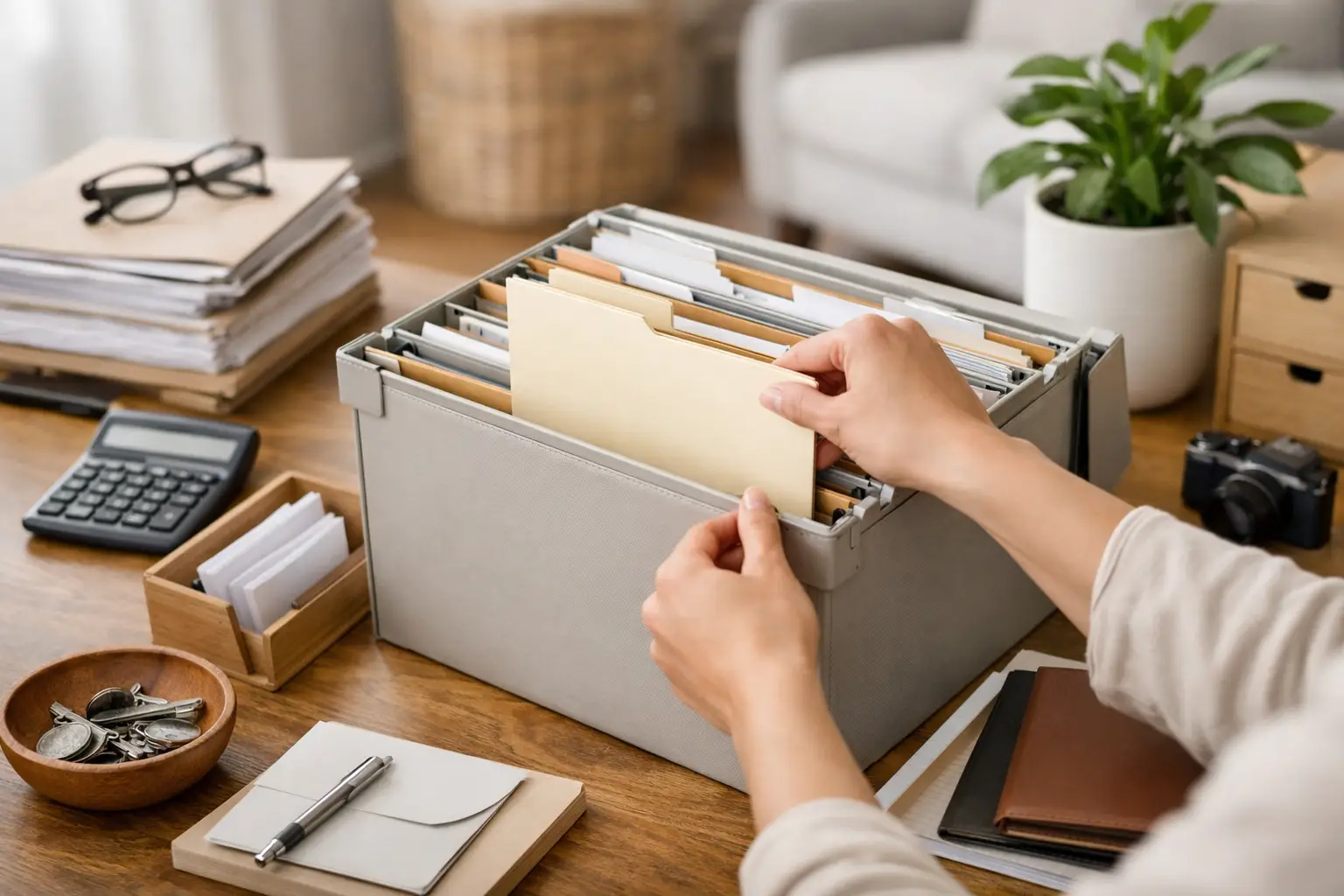
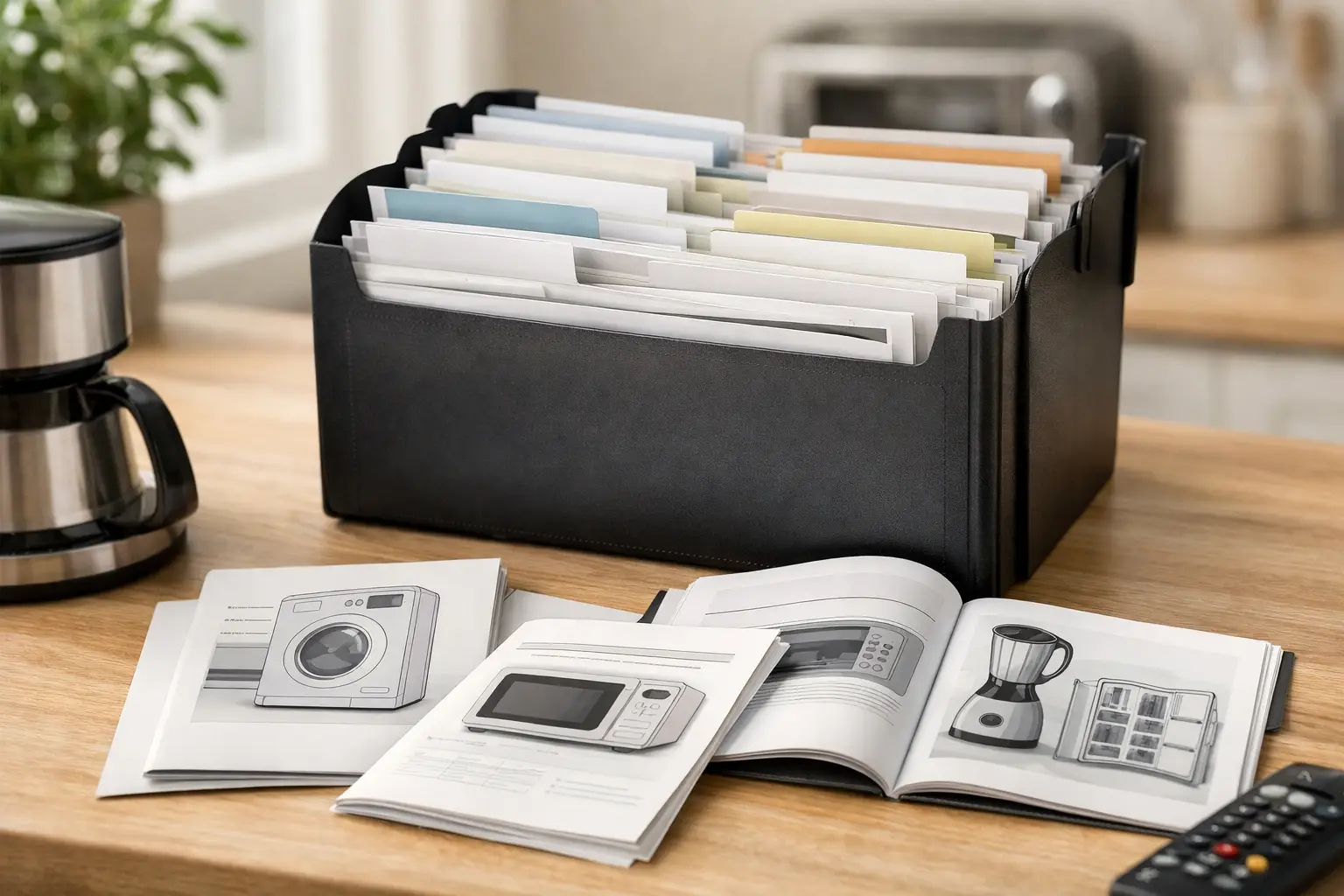
If you prefer paper, keep only the essentials in one labeled folder or binder section called Appliance Manuals. Sort it by room or appliance type so it is easy to scan. Avoid stuffing in every receipt, brochure, and packaging insert. Most of that just makes the useful documents harder to find.
If you prefer digital storage, create a consistent naming system. A file called "manual.pdf" is not very helpful six months later. A file name like "KitchenAid Dishwasher KDTE204K Manual" is much easier to search. Add warranty or receipt files using the same pattern.
A mixed system is often the most realistic. Keep original receipts or warranty paperwork in paper form if you want, but store a digital copy too. That way you are not depending on one method alone.
Use categories that match real life
The best organization system is the one that makes sense when you are rushed. If your dryer stops working, you are not going to browse through a complicated filing structure with ten levels of categories.
Keep your appliance records grouped in a way that reflects how you think about your home. Most people do well with categories by room or area, such as kitchen, laundry, heating and cooling, and utility. That is easier to remember than sorting by manufacturer or purchase year.
Within each appliance record, store the same kinds of information in the same order every time. Consistency is what makes the system useful. When every appliance record looks a little different, finding details becomes harder than it should be.
Don’t forget the details you actually need later
A manual is helpful, but the details around it are usually what save time. Model and serial numbers matter when ordering parts or confirming product support. Purchase date matters when checking whether a warranty is still active. Installation date can matter too, especially if the appliance was included with the home instead of bought by you directly.
It is also smart to save a quick note about where the appliance came from and whether you bought any added coverage. People often remember they "got the warranty" but cannot remember from whom or for how long.
A few lines of maintenance history can help as well. You do not need a full repair log unless that is useful to you. Just enough to answer practical questions later, such as when a filter was last changed or when a technician serviced the unit.
A mobile system is easier to keep up with
If your appliance information only lives in a filing cabinet, it may be organized but not especially convenient. Household records are most useful when they are easy to access in the moment, especially when you are standing in the laundry room looking for a serial number or trying to remember when a warranty ends.
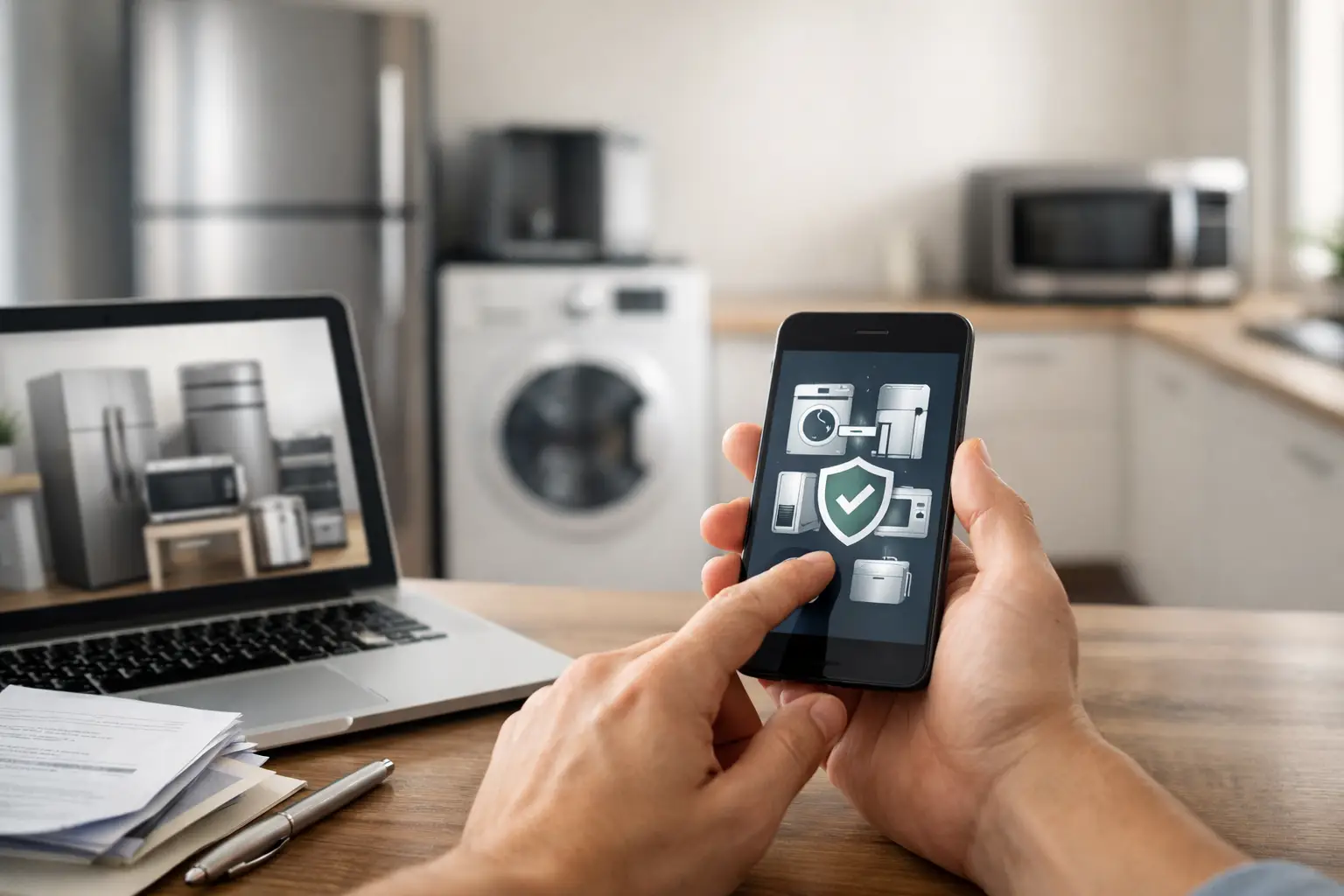
That is why a mobile-first system works well for many households. With ClearDue Abode, iPhone users can keep appliance records, warranties, and home documents in one place instead of spreading them across drawers, email inboxes, and photo albums. The real benefit is not just storage. It is being able to find what you need without retracing your steps.
Build a simple routine so it stays organized
The first setup does most of the work, but staying organized comes down to a few repeatable habits. When you buy a new appliance, add the record right away. When you get a manual by email, save it to the same place that day. When you register a warranty, store the confirmation with the appliance record.
This does not need to become a weekly admin task. It is more of a "touch it once" approach. Handle the document when it arrives, file it where it belongs, and move on.
A quick review once or twice a year helps too. That is a good time to check whether manuals are still attached to the correct records, whether any warranty periods have ended, and whether maintenance notes need an update.
What to do if you are missing manuals
If some manuals are already gone, you can still create a complete system. Start with the information you do have. Photograph the appliance label with the model and serial number. Save any receipts, delivery confirmations, or warranty emails. Then add the manual later if you find or download it.
Perfection is not the goal here. A half-complete appliance record is still better than no record at all. Once the structure exists, filling in the missing pieces becomes much easier.
It also helps to be selective about what counts as an appliance worth tracking. Large built-in or high-value items are the priority. You may not need a formal record for every toaster or blender unless that fits how you prefer to manage your home.
When a very detailed system is too much
Some households love a fully documented home inventory. Others will never maintain that kind of setup, and that is fine. If you know you are unlikely to keep detailed records, keep the system lean. Track the appliances that would be hardest or most expensive to replace, and store only the key information.
An overly detailed system can create its own clutter. If every record includes too many notes, too many photos, and too many duplicate files, the organization starts to work against you. The better approach is to keep what is useful and skip what you are unlikely to reference.
The best manual system is not the prettiest one. It is the one you can trust when something stops working and you need answers fast. A little structure now can save a surprising amount of frustration later - and make your home feel easier to manage the rest of the time.