All Articles

How to Organize Home Documents Simply

How to Organize Home Documents Simply

You usually notice a document problem at the worst time - when you need the water heater warranty, the lease renewal paperwork, or the appliance manual right now and have no idea where it ended up. That is why learning how to organize home documents matters so much. A good system does not need to be elaborate. It just needs to help you find what you need quickly, keep important records from getting scattered, and make future updates easy.

For most households, the real issue is not a lack of storage. It is that home documents live in too many places at once. Some are in kitchen drawers, some are in email, some are in old moving boxes, and some are saved as photos that are hard to search later. The fix is to create one clear structure for paper and digital records, then maintain it with light, repeatable habits.

Start by deciding what counts as a home document

Before you build folders or buy supplies, define the category. Home documents are not every paper that enters your house. They are the records tied to your home, your household equipment, and the responsibilities that come with keeping everything running.

That usually includes lease or purchase documents, appliance manuals, warranty details, repair receipts, service provider information, maintenance records, paint colors, product model numbers, and renovation paperwork. If you are a renter, your set may be smaller but still worth organizing. Lease terms, move-in records, utility account details, and landlord contact information can save time when something changes.

This first step matters because many people over-file. If a paper has no ongoing value, it does not need a permanent home. Old grocery receipts, expired product inserts, and duplicate copies tend to create clutter that makes important records harder to find.

How to organize home documents without overcomplicating it

The best system is usually a simple two-part setup: one place for physical documents and one place for digital copies. You do not need ten categories and color-coded tabs unless that genuinely helps you keep up with them.

A practical structure is to group everything under a few broad headings. Home documents usually fit into categories like property, appliances, services, maintenance, warranties, and receipts. Those labels are easy to understand later, which matters more than making the system look perfect on day one.

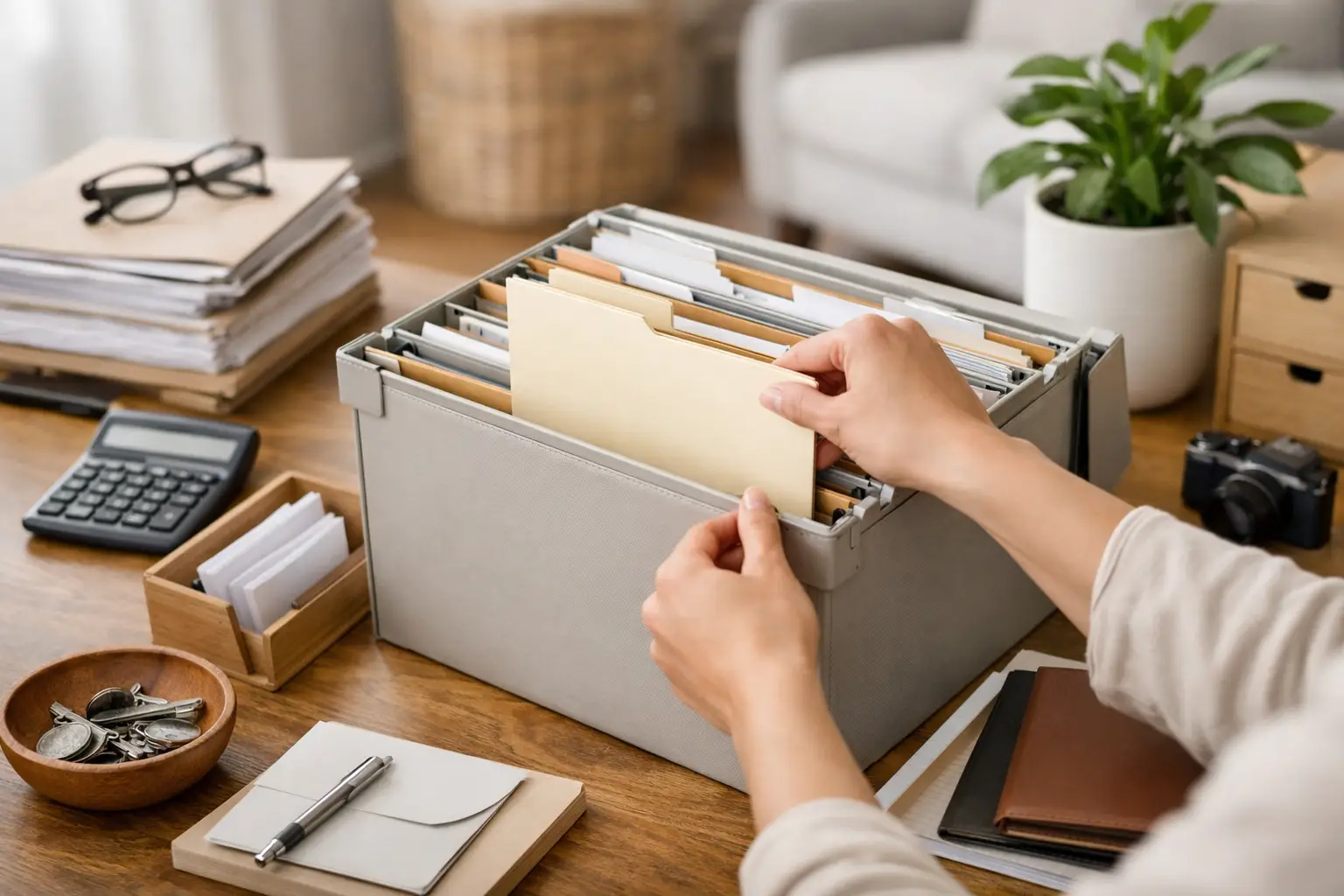
If you prefer paper, use a small file box or accordion folder with clearly labeled sections. If you prefer digital, create matching folders in your phone or cloud storage so the structure stays familiar. Many households do best with both: paper originals for documents that are easier to keep physically, and digital backups for quick access.

Build a filing system you can actually maintain

A filing system fails when it asks too much of you. If every new receipt requires three decisions, scanning, renaming, and a trip to a closet file cabinet, papers will start piling up again.

Keep the process short. When a new home-related document comes in, your goal should be to answer three questions: Do I need this? What category does it belong to? Do I want a paper copy, a digital copy, or both?

That is enough for most households. You can always add detail later if your home records become more complex.

A simple category structure that works

For physical and digital files, use the same core categories so you do not have to remember two systems. A common setup looks like this:

  • Property or Lease
  • Appliances
  • Warranties
  • Maintenance and Repairs
  • Utilities and Service Providers
  • Renovations and Upgrades

These categories are broad on purpose. If you create too many narrow folders too early, filing becomes harder than finding. For example, it is usually better to keep one appliance folder with subfolders by item than to build separate top-level folders for refrigerator, washer, dryer, and microwave unless you have a strong reason.

Name digital files so they are easy to find later

Photos and scanned documents become much more useful when they are named clearly. Instead of leaving a file called IMG_4821, rename it something like WaterHeater_Warranty_2025 or Lease_Renewal_June_2026.

Use names that tell you what the document is, which item or service it belongs to, and when it was issued or updated. A consistent naming pattern saves a surprising amount of time, especially when you are searching from your phone.

Keep only the papers that are worth keeping

One reason home filing gets messy is that everything feels potentially important. In reality, some records are worth long-term storage, while others are only useful for a short period.

Documents worth keeping longer usually include purchase records for major appliances, warranties, installation paperwork, property documents, lease agreements, contractor invoices, and records of completed repairs or upgrades. These can help when you need service, want to confirm a model number, or need a record of past work.

Short-term papers may include routine service notices, packaging inserts, or receipts for low-value items with no real warranty benefit. If you are unsure, ask yourself whether the document would help you solve a problem six months from now. If the answer is no, it probably does not need permanent storage.

This is one of those areas where it depends. A homeowner with several large appliances and past renovation work will usually need to keep more documentation than a renter in a smaller apartment. The key is not to copy someone else's system. It is to keep what supports your actual household.

Create a home for manuals, warranties, and model numbers

Manuals and warranty details are often the hardest things to find because they arrive in packaging, email confirmations, and manufacturer portals. They also tend to matter only when something breaks, which means you will not think about them until you need them.

Treat each major appliance or household item as its own record. Keep the purchase date, model number, serial number, receipt, warranty terms, and manual together. That way, if your dishwasher starts acting up or your vacuum needs service, you are not searching across five different places.

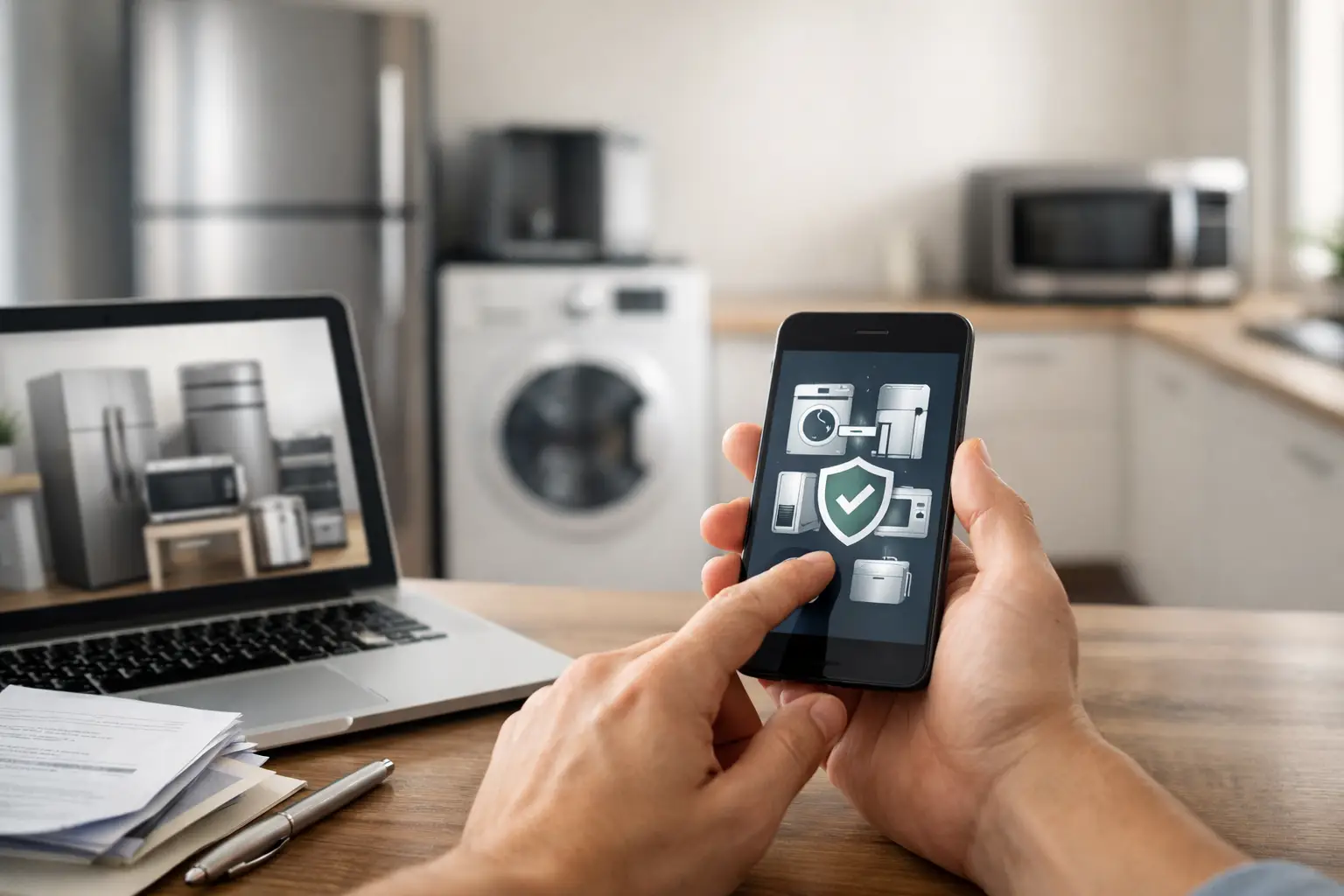
This is also where a mobile-first system can help. ClearDue Abode is designed for household organization, so it fits naturally with records like appliance information, warranty tracking, and home document storage. For iPhone users who want fewer scattered notes and screenshots, that kind of setup can make the whole system easier to maintain.

Make paper and digital work together

You do not need to go fully paperless to be organized. In many homes, the most reliable setup is a hybrid one. Keep original paper copies for documents that feel easier or safer to retain physically, but create digital versions for quick reference.

That way, if you need to check a warranty while standing in a store or talking to a service provider, you are not waiting until you get home to search a file drawer. At the same time, you still have originals when you want them.

The main thing is consistency. If you scan some documents but not others, or save some files in Photos and others in email, the digital side becomes just as fragmented as the paper side. Pick one digital home and stick with it.

Set a light routine so the system stays current

Knowing how to organize home documents is only half the job. The other half is making sure the system still works three months from now.

A simple monthly check-in is usually enough. Add any new receipts or service records, remove papers you no longer need, and update appliance or warranty records if something has changed. This does not need to take long. Ten or fifteen minutes can be enough if the structure is already in place.

It also helps to have a small holding spot for incoming papers. A tray, folder, or single drawer works well. That keeps loose paperwork from spreading around the house before you have time to file it properly.

The goal is access, not perfection

Some people want beautifully labeled binders. Others want the fastest possible way to keep records off the counter and available on their phone. Both approaches can work.

The best home document system is the one that reduces friction. It should make it easier to find a receipt, check a warranty, confirm a model number, or remember what was repaired and when. If your system does that, it is doing its job.

Start small if you need to. Gather the most important records first, give them a clear home, and improve the system as new documents come in. A little structure goes a long way when life gets busy, and future you will be glad the paperwork is already where it belongs.