That annual charge you forgot about usually shows up at the worst time - right after a busy week, right before another bill is due, or months after you meant to cancel it. A good subscription renewal reminder guide is not really about remembering one date. It is about creating a simple system that keeps recurring charges visible before they renew.
Most people do not lose track of subscriptions because they are careless. The problem is that renewals are scattered. Some are monthly, some are annual, some bill through an app store, and some come through a card statement with a merchant name you barely recognize. Add free trials, price changes, and family services into the mix, and it becomes easy to miss what is coming next.
The fix is not a more complicated spreadsheet or a promise to check your bank activity more often. The fix is a reminder process that works even when life gets crowded. If you set it up well once, it can keep saving you from surprise charges over and over again.
Why a subscription renewal reminder guide matters
A missed renewal is rarely just about the money. Sometimes the charge is small, but the frustration is not. You may feel like you are paying for things you do not use, or you may realize too late that a free trial turned into a paid plan because no reminder came at the right time.
That is why reminders need to do more than mark a date on a calendar. They should give you enough notice to make a decision. Do you still use the service? Has the price changed? Is this a personal subscription, a shared household one, or something your kids signed up for and forgot to mention?
A good reminder window creates space to think, not just react. For monthly subscriptions, that may mean a reminder a few days ahead. For annual plans, two reminders often work better: one early enough to review the service, and another closer to the renewal date so it does not slip past you.
Start with a complete subscription inventory
The first step in any subscription renewal reminder guide is getting everything into one place. This sounds obvious, but it is where most reminder systems fail. If you only track the subscriptions you remember, you will still miss the ones causing the problem.
Start by reviewing recent card statements and app store purchases. Look for recurring entertainment services, software plans, storage upgrades, delivery memberships, digital news, fitness subscriptions, and family services. If something renews automatically, it belongs on your list.
As you build that list, keep the information practical. You need the subscription name, renewal amount if known, billing frequency, renewal date, and how it is billed. It also helps to note whether it is easy to cancel or whether you usually need to log in and manage it manually. The goal is not perfect documentation. The goal is visibility.
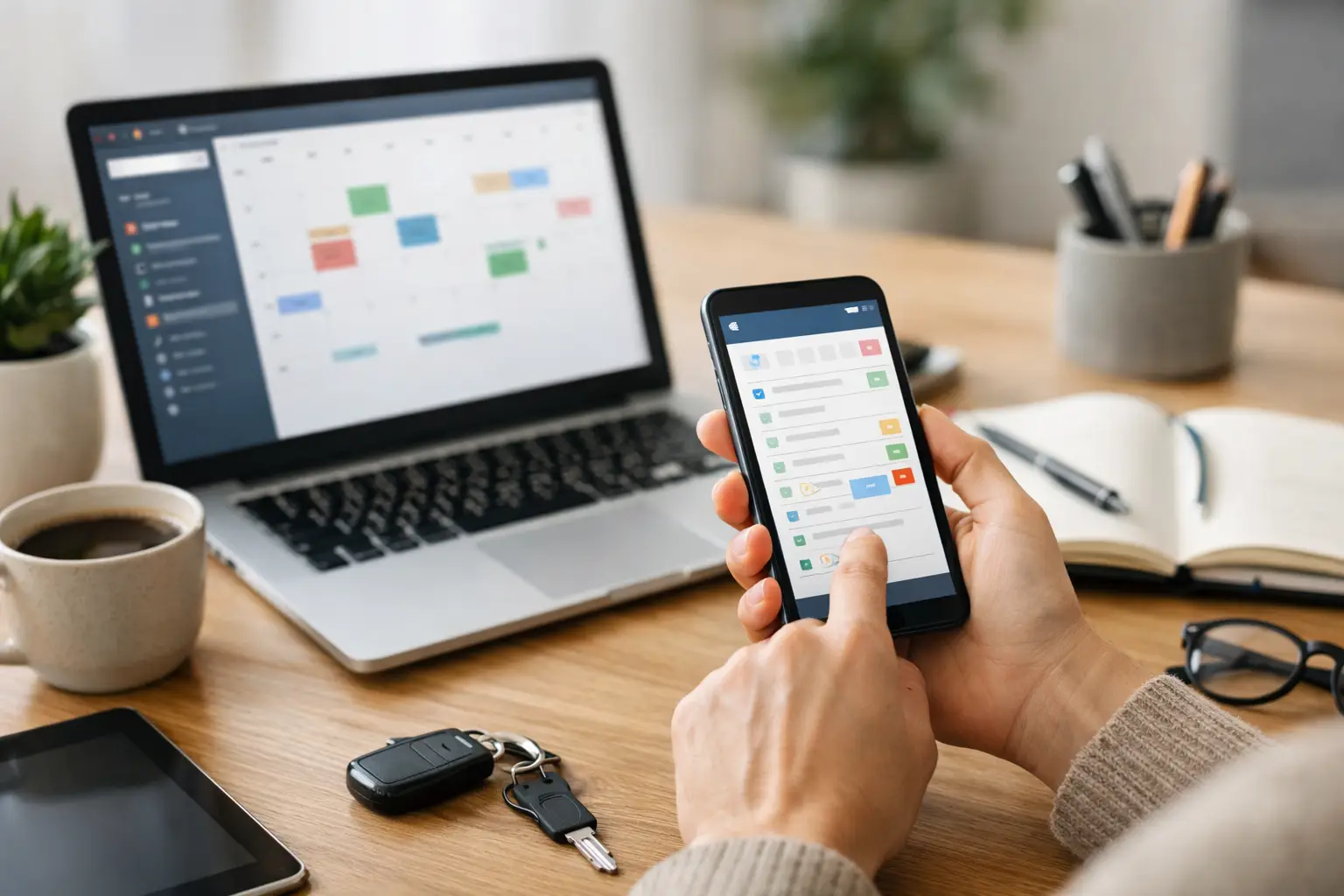
This is where a dedicated reminder tool tends to work better than scattered notes. With ClearDue Tracker, iPhone users can keep recurring financial obligations and subscription reminders in one place, which reduces the chance of annual charges disappearing into the background until they hit the account.
Set reminder timing based on the type of subscription
Not every subscription needs the same reminder schedule. That is one of the biggest mistakes people make when they try to organize renewals. If every charge gets one generic alert, some reminders will come too early to be useful, and others will come too late to prevent the charge.
Monthly subscriptions usually need a short lead time. A reminder three to seven days in advance is often enough. You probably already know whether you still use the service, so the reminder is mainly there to stop the charge from catching you off guard.
Annual subscriptions are different. They tend to be easier to forget because they disappear for months at a time. A single same-day reminder is not much help. In most households, it is smarter to set one reminder about 30 days ahead and another about 7 days ahead. The first gives you time to review the value. The second helps you act before the deadline passes.
Free trials deserve special handling. If you wait until the day before the trial ends, you may not have enough time to decide, especially if the signup happened during a busy week. A reminder a few days after starting the trial can help you decide whether to keep testing it, and another reminder two to three days before conversion gives you a clear point to cancel or continue.
Use categories that make decisions easier
A reminder is more useful when it tells you what kind of subscription you are looking at. That is why categories matter. You do not need an elaborate system, but it helps to separate essentials from optional services.
For example, you might group subscriptions into entertainment, household, productivity, cloud storage, family services, and short-term trials. When a reminder appears, you are not just seeing a charge. You are seeing where it fits in your life.
This matters because renewal decisions are rarely only about cost. A cloud storage plan may feel more necessary than a streaming add-on, even if the prices are similar. Categorizing subscriptions makes it easier to trim the optional ones first when you want to reduce recurring spending without disrupting things you rely on.
Keep the reminder details simple and useful
A reminder should help you act quickly. If the note is vague, you still have to stop and figure everything out later. That creates friction, and friction is how reminders get ignored.
For each subscription, include enough detail to answer the obvious questions at a glance. What is renewing? How much does it cost? When will it renew? Is it monthly or annual? If relevant, add a note like family plan, billed through Apple, or review before renewing. Those small details make the reminder more useful because they reduce the mental work required in the moment.
There is a balance here. Too little information makes reminders weak. Too much detail turns your system into another place to maintain. The best setup is the one you will actually keep current.
Review subscriptions on a regular rhythm
Even a strong reminder system needs a little maintenance. Prices change, free trials become paid plans, and some services quietly stay active long after you stop using them. If you never review your list, your reminders can become outdated.
A quick monthly check is usually enough. Look over upcoming renewals, remove canceled subscriptions, and update amounts if they changed. This does not need to become a big household admin session. Ten minutes is often enough to keep the system accurate.
An annual review can be more reflective. Look back at all your recurring subscriptions and ask which ones still earn their place. Some will. Some will not. The point is not to cut everything. The point is to make renewals a choice instead of a surprise.
Watch for the common weak spots
Most subscription reminder systems break down in familiar ways. One is relying on memory after setting the first reminder. Another is tracking monthly plans but forgetting annual ones because they feel less urgent until they suddenly renew.
Shared household subscriptions can also cause confusion. One person signs up, another person uses the service, and nobody feels fully responsible for remembering the date. If that sounds familiar, make sure the person managing household obligations has visibility into those renewals.
Another weak spot is assuming the billing amount will stay the same. A reminder for the date is helpful, but a reminder that also includes the expected amount is better. If the charge changes, you notice it faster.
Build a system you can trust
The best subscription renewal reminder guide is the one you will still be using six months from now. That usually means keeping it simple, centralizing your records, and setting reminders early enough to give yourself real options.
You do not need a perfect financial system to stay ahead of renewals. You just need a clear view of what is recurring, when it is due, and enough notice to decide what stays. Once that information lives in one dependable place, subscription renewals stop feeling random and start feeling manageable.
A calm system does more than prevent surprise charges. It gives you back a little mental space, which is often the part people value most.