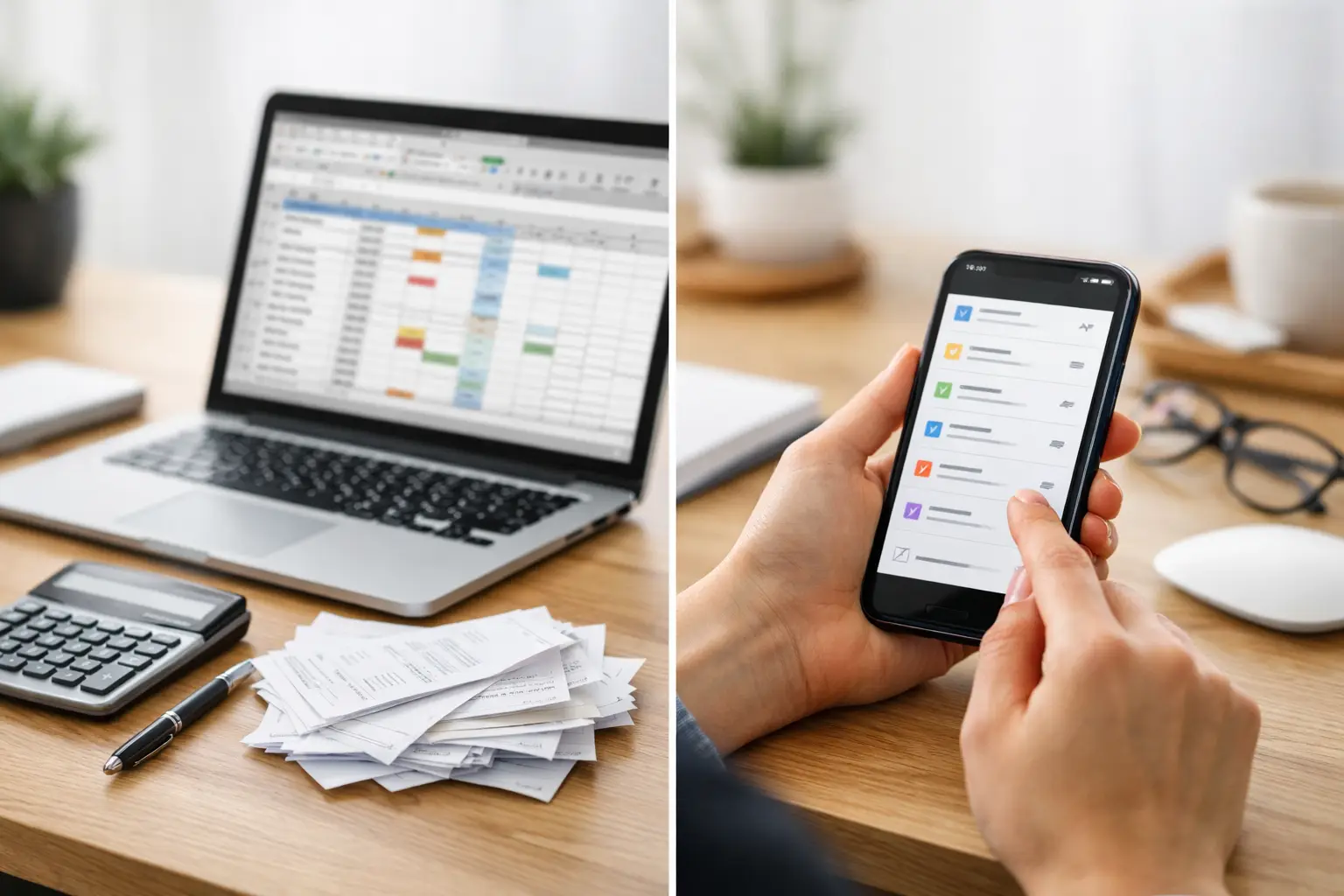
You usually notice subscription renewals at the worst possible moment - when a charge hits your card, a free trial becomes a paid plan, or a service you forgot about quietly renews for another year. If you want to know how to organize subscription renewals, the goal is not to build a complicated system. It is to create one place where dates, costs, and reminders are easy to see before anything slips past you.
That matters because subscriptions rarely feel like a big deal one by one. A streaming service here, a cloud storage plan there, a fitness app, a meal service, a software renewal, maybe a family membership on an annual cycle. The problem is not just the money. It is the mental clutter of trying to remember what renews, when it renews, how much it costs, and whether you still want it.
How to organize subscription renewals without overcomplicating it
The best system is usually a simple one. Most people do not need a spreadsheet with formulas or a stack of calendar events that become easy to ignore. What they need is a clear record for every subscription and a reminder far enough ahead to make a decision.
Start by gathering every active subscription in one sitting. That includes monthly services, annual memberships, free trials, and anything billed automatically through a card, bank account, Apple account, or provider website. It is easy to miss subscriptions that are not used often, so it helps to check recent statements and account emails instead of relying on memory.
As you collect them, write down the service name, renewal date, billing cycle, price, payment method, and whether the subscription is worth keeping. That last part matters more than people expect. A renewal list should not just tell you what exists. It should help you decide what deserves to stay.
Once everything is visible, patterns usually appear fast. You may notice several annual renewals clustering in the same month, duplicate entertainment services, or trial periods that need attention sooner than expected. Visibility is often half the solution.
What to include in your subscription renewal system
A useful renewal system does not need dozens of fields, but it should cover the details you are most likely to forget. For most households, that means the name of the subscription, how much it costs, when it renews, how often it renews, and how to cancel if needed.
It also helps to track a short note about why you signed up in the first place. That may sound unnecessary, but it can be surprisingly useful six months later. If the note says “for one work project” or “used during basketball season,” you have context when the renewal reminder arrives.
Another smart detail is your decision window. Some subscriptions can be canceled the same day they renew, while others need notice in advance. If a service requires action several days before billing, your reminder should match that reality. A reminder on the renewal date is not always enough.
For iPhone users who want a mobile-first way to stay on top of recurring charges, ClearDue Tracker fits this use case naturally. It gives you a clearer place to track subscription due dates and recurring payment reminders without scattering the information across notes, emails, and calendar entries.
The five details that make renewals easier to manage
If you keep only a few details for each subscription, make them these: renewal date, amount, billing frequency, payment method, and cancel-by date if one applies. Those five details usually answer the questions that matter most when the reminder appears.
Anything beyond that depends on your habits. Some people like adding login info to a separate secure system. Others want notes about who in the household uses the service. The key is not collecting every possible detail. The key is capturing enough to make a good decision quickly.
Set reminders before the charge, not after it
A lot of renewal systems fail because the reminder comes too late. If your alert appears after the charge has already gone through, it is not really helping you manage the renewal. It is just telling you what happened.
For monthly subscriptions, a reminder three to seven days ahead is usually enough. For annual subscriptions, two reminders often work better - one about a month in advance and another a few days before the renewal. That gives you time to check whether the service is still useful, whether the price changed, and whether you want to keep it.
Free trials need even more attention. Since they tend to convert quickly, set a reminder shortly after sign-up and another before the trial ends. This is one of those areas where good intentions are not reliable. If you tell yourself you will remember, there is a fair chance you will not.
There is a trade-off here, though. Too many reminders can become background noise. If every recurring charge produces multiple alerts, you may start dismissing them without thinking. The better approach is to reserve stronger reminders for subscriptions that are expensive, annual, or easy to forget.
Group subscriptions in a way that matches real life
One reason renewal tracking feels messy is that all subscriptions get treated the same when they are not. A streaming app you can cancel anytime is different from an annual software plan or a family membership that renews once a year.
Grouping subscriptions by type makes the list easier to review. You might organize them as entertainment, utilities, digital tools, health and fitness, family services, or shopping memberships. Another option is grouping by frequency, such as monthly, quarterly, and annual renewals.
There is no perfect method for everyone. If you mainly want spending visibility, grouping by cost may help. If you are focused on preventing surprise annual charges, grouping by renewal month might be better. The right structure is the one that helps you spot issues quickly.
How to organize subscription renewals for households
If more than one person in the home signs up for services, subscriptions can get scattered fast. One person uses a personal card, another signs up through Apple, someone else starts a trial with an old email address, and no one has the full picture.
In that situation, treat subscription organization like a shared household record, even if one person manages it most of the time. Keep the service name, cost, and renewal date visible in one place, and note who uses it or who signed up for it. That prevents duplicate services and makes it easier to review what the household actually uses.
This is also where annual check-ins help. A quick review every few months is useful, but once a year, it is worth looking at the full list and asking whether each subscription still earns its place. Some will. Some will not. The point is to decide on purpose instead of by default.
Watch for the subscriptions people forget most often
Certain renewals are easy to lose track of because they are not part of your regular monthly routine. Annual memberships are a common example. They disappear into the background for months, then return as a larger charge that feels out of nowhere.
Free trials are another frequent problem, especially when you sign up during a busy week and plan to revisit the decision later. Introductory offers can create the same issue. You remember the low starting price, but not always when the standard rate begins.
Then there are low-cost subscriptions that do not seem urgent enough to track closely. Those can be the easiest to ignore because each one feels minor. But when several of them renew quietly, the total starts to matter.
A good system does not only track the expensive services. It catches the easy-to-overlook ones too.
Review your system often enough to trust it
Even a simple renewal system needs light maintenance. Prices change, cards expire, trials end, and your priorities shift. If you never update the list, it stops being useful.
That does not mean you need a weekly admin session. For most people, a quick monthly review is enough. Look at what renewed, what is coming up next, and whether anything new was added. If the system lives on your phone and takes only a few minutes to update, it is much more likely to stay current.
This is why simple beats ambitious. A perfect subscription tracker that you stop using after two weeks is less helpful than a basic one you actually maintain. Organization works best when it fits your real routine.
The best sign that your system is working is not that it looks impressive. It is that you stop getting surprised. You know what is renewing next month, which annual plans are coming up, and which trials still need a decision. That kind of visibility gives you more control with less effort.
If your subscriptions currently live across emails, statements, notes, and memory, do not try to fix everything at once. Start with the subscriptions most likely to renew soon, build your list, and add reminders that give you enough time to act. A calm, workable system is what makes renewal management stick.