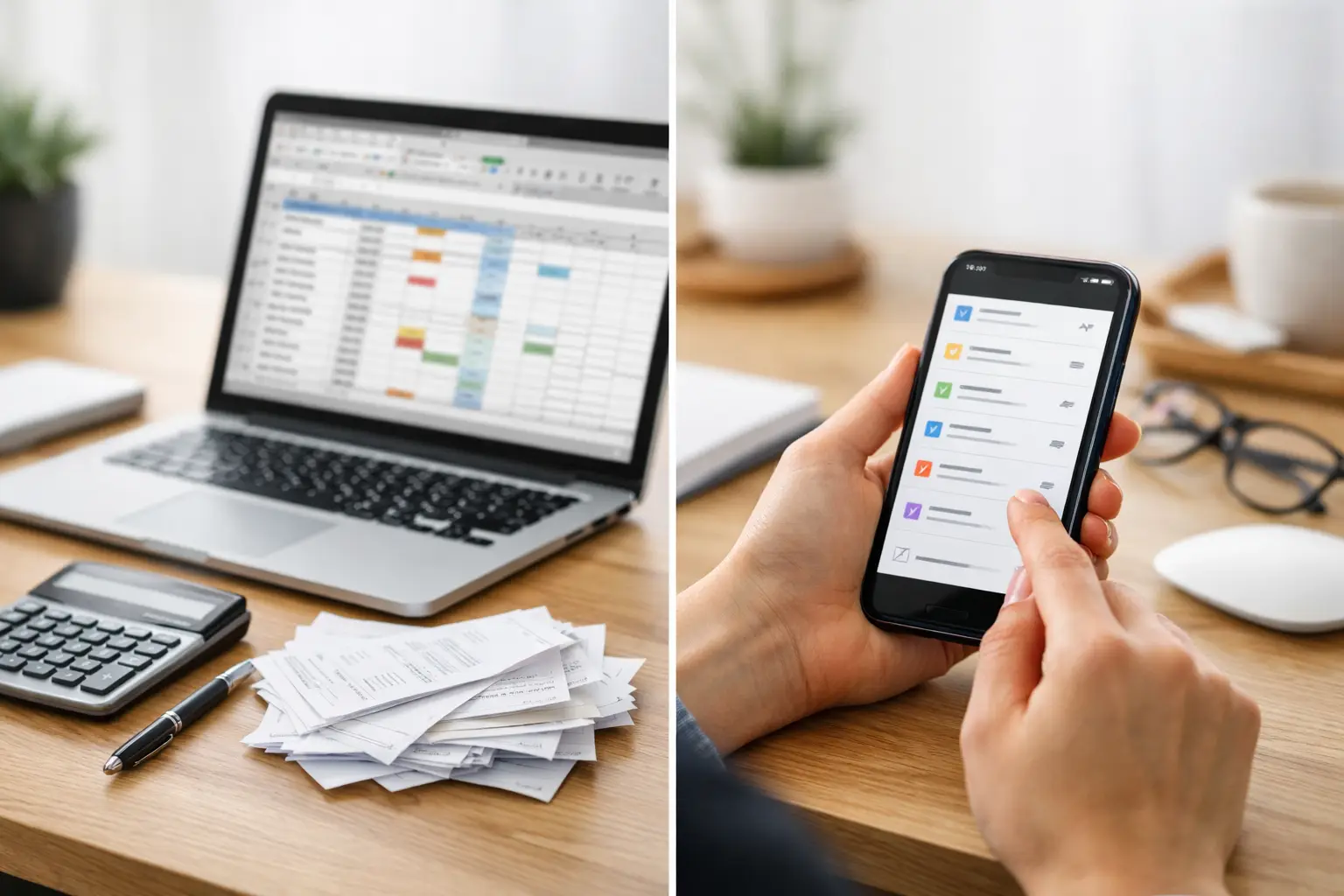
If you have ever paid a bill the minute you remembered it - while standing in line, half awake, or already a day late - you know the real problem is not usually the payment itself. It is the scattered system behind it. The best tools for bill organization help you keep due dates, recurring charges, and account details in one reliable routine instead of relying on memory.
For most people, bill organization is less about finding one perfect app and more about choosing the right mix of tools for how life actually works. A calendar might help you see what is coming up. A notes app might hold account details. A bill reminder app can give you the visibility and prompts that paper piles and mental checklists never do. The right setup depends on how many bills you manage, how often they change, and how much you want to think about them between due dates.
What the best tools for bill organization actually do
A useful bill organization tool does not just store information. It helps you stay ahead of it. That means giving you a clear view of recurring due dates, making it easy to track monthly and annual obligations, and reducing the chance that something slips through because it was saved in the wrong place.
The strongest tools usually do three things well. First, they keep bill details easy to find. Second, they make recurring timelines visible. Third, they support reminders so you do not have to keep every payment in your head. If a tool does only one of those well, it can still help, but it probably will not solve the whole problem on its own.
The best tools for bill organization for everyday use
1. A dedicated bill reminder app
For people with multiple monthly bills, subscriptions, and annual renewals, a dedicated bill reminder app is usually the most practical place to start. It is built for the exact job you are trying to manage: keeping due dates visible and recurring obligations organized.
This type of tool works best when your biggest issue is not math, budgeting, or account access. It is remembering what is due, when it repeats, and what needs attention this week versus later in the month. A dedicated app gives structure to that process in a way that a generic notes app usually cannot.
ClearDue Tracker fits naturally here for iPhone users who want a simpler way to track bills, subscriptions, recurring payments, and due dates without building a system from scratch. That matters if your current method lives across screenshots, email confirmations, paper mail, and whatever you happen to remember.
The trade-off is that a reminder-focused app is not trying to be everything. If you want full budgeting analysis or banking tools, you may need something else alongside it. But if your main goal is staying organized and reducing missed or forgotten payments, this is often the clearest option.
2. A digital calendar
A calendar is one of the most familiar bill organization tools because it is already part of most people’s routine. You can add due dates, set alerts, and quickly scan the month ahead. For a smaller number of bills, that may be enough.
The limitation shows up when bills start repeating on different schedules or when subscriptions and annual renewals get mixed in with appointments, birthdays, and work meetings. A calendar can remind you, but it does not always give you a clean bill-specific view. If your life is already crowded with calendar alerts, bill reminders can start to blend into everything else.
Still, calendars are useful as a supporting tool. Some people like using them for the highest-priority due dates while keeping the full bill list somewhere more focused.
3. A spreadsheet
Spreadsheets appeal to people who want control and flexibility. You can create columns for due dates, amounts, account names, payment status, and renewal timing. If you like building your own system, this can feel satisfying.
The downside is maintenance. A spreadsheet only works if you keep updating it, and many people stop doing that after the first busy month. It also does not naturally remind you of anything unless you build extra steps around it. That means it can become a record of your bills without being a tool that actively helps you stay on top of them.
For some households, a spreadsheet is useful as a reference list. As a day-to-day reminder system, it often asks for more effort than people want to give.
4. A notes app
A notes app is better than scattered paper and random emails, and that is why many people start there. It is easy to jot down account numbers, due dates, customer service details, and subscription renewal information in one place.
But notes are usually static. They hold information, yet they do not do much with it. You may still need to open the note, scan for what is due, and remember to check it at the right time. That works for very simple setups, but it can get unreliable once you are tracking a full household’s obligations.
Notes work best as backup storage for details you want handy, not as the only bill organization tool you depend on.
5. Email folders and flags
Some people organize bills by keeping statements and confirmations in dedicated email folders. This can help reduce inbox clutter and make records easier to find later. Flags and stars can also draw attention to unpaid items.
The problem is that email is reactive. It depends on what gets sent, when it arrives, and whether you notice it in time. It is not a strong system for recurring visibility because your bills are mixed with promotions, receipts, newsletters, and everyday messages.
Email is useful for recordkeeping, but it is rarely the best primary tool for bill organization. It is better at storage than planning.
6. A paper bill binder or folder
Paper still works for some households, especially if you prefer physical records or want one visible place for mailed statements. A binder with labeled sections can help you sort utility bills, insurance notices, and service renewals without relying on memory alone.
The challenge is access and upkeep. A paper system only helps when you are near it, and it takes discipline to file things consistently. It also does not provide reminders on its own. If you like paper, it can still be part of your routine, but most people benefit from pairing it with a digital reminder tool.
7. Auto-pay, used carefully
Auto-pay is not exactly an organization tool, but it does reduce friction for recurring bills. For fixed monthly charges, it can lower the risk of forgetting a payment. That alone makes it useful.
Still, auto-pay is not the same as awareness. You can still lose track of what is being charged, miss an annual increase, or forget a subscription renewal until after the payment hits. That is why auto-pay works best when it sits inside a larger bill organization system rather than replacing one.
How to choose the right bill organization tool
The best choice depends on what keeps going wrong now. If you forget due dates, use a tool built around reminders. If your issue is scattered information, look for one place to store bill names, schedules, and recurring details. If you mostly need records, a folder or notes app may be enough.
It also depends on volume. Someone managing four predictable monthly bills can get by with a simple calendar. Someone tracking utilities, rent, subscriptions, annual renewals, family accounts, and household services usually needs something more structured.
This is where many people overcomplicate things. They start with a system that sounds impressive and then stop using it because it takes too much work. A better approach is to choose a tool you will actually keep up with on a normal Tuesday, not just during a burst of motivation.
A simple setup that works for most people
For many households, the most practical system is a dedicated bill reminder app as the main hub, with email kept for statements and a calendar reserved for the few due dates that really need extra visibility. That keeps your core bill information organized without turning every tool you use into a partial bill tracker.
If you like having records on hand, you can still use notes or paper folders for account details and reference documents. The key is deciding which tool is your source of truth. When that is unclear, things get missed.
Good bill organization should feel lighter after the first setup, not heavier. If your current system makes you check five places to answer one simple question - what is due next - it is probably time to simplify.
The best tool is the one that gives you a clear view of what is coming up and helps you trust your system a little more than your memory.