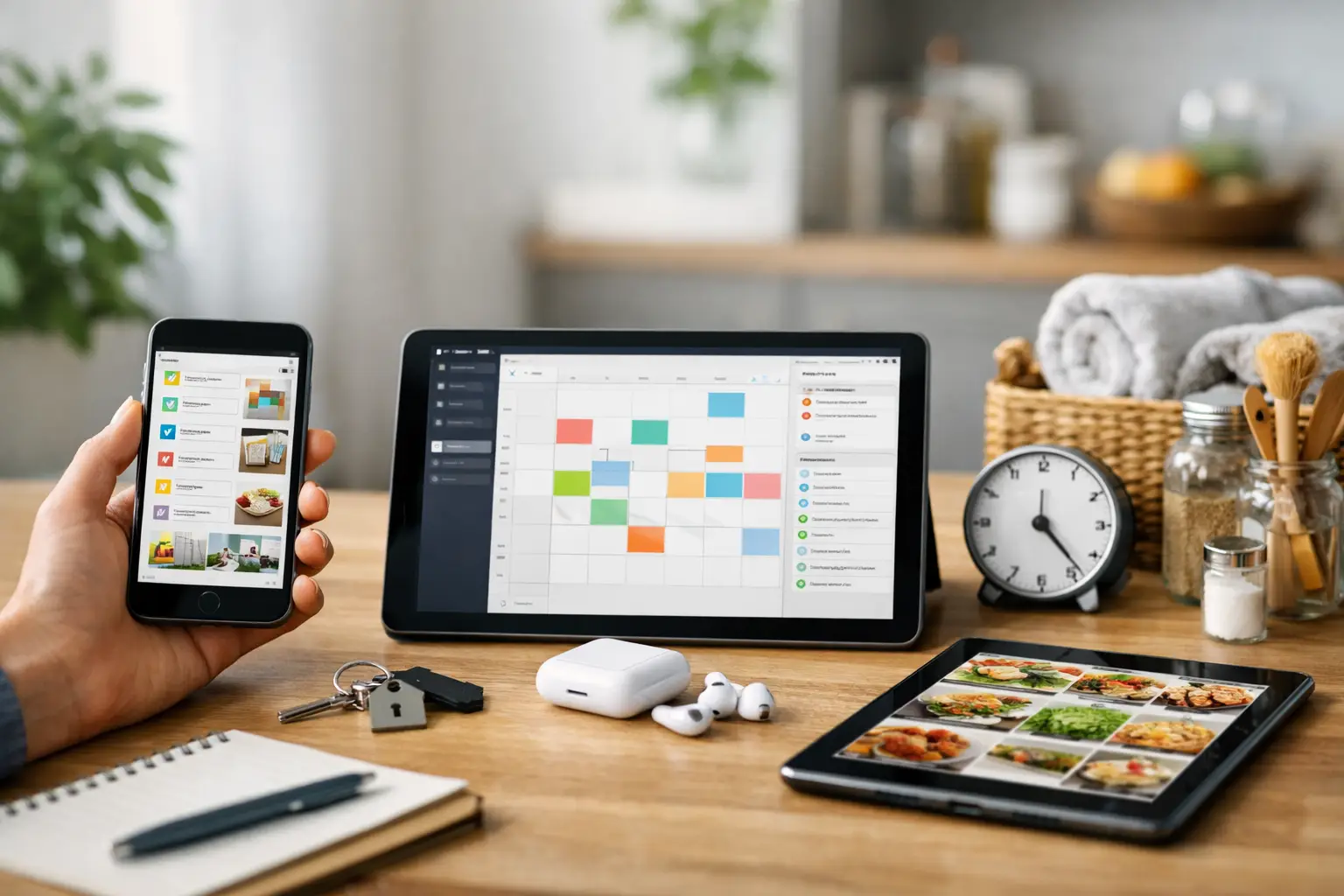
If your household information lives in five places - paper folders, text messages, email, your notes app, and your memory - staying organized starts to feel like a part-time job. That is exactly why people look for the best apps for household organization: not to create a perfect system, but to make everyday responsibilities easier to track and harder to forget.
The right app depends on what usually slips through the cracks in your home. For some people, it is subscription renewals and monthly due dates. For others, it is appliance paperwork, warranty details, service records, or maintenance reminders. A good household organization app should reduce mental clutter, not add another complicated system to manage.
Below are nine strong options for iPhone users, with a focus on what each one is actually useful for in real life.
What the best apps for household organization do well
The most useful household organization apps tend to do one thing clearly or a few related things well. They help you store important information, set reminders you will actually use, and find what you need without digging through drawers, inboxes, or old screenshots.
That sounds simple, but there is a real difference between an app that collects information and one that helps you stay ahead of recurring responsibilities. If your goal is peace of mind, reminders, visibility, and easy access matter more than fancy features.
1. ClearDue Abode
For people trying to organize the practical side of home life, ClearDue Abode is a strong fit. It is built around the information households actually need to keep track of: appliance records, warranties, household documents, maintenance schedules, and provider-related details.
That focus matters. Many apps are decent at task lists, but they are less helpful when you need to remember when the water filter was last replaced, where the refrigerator model number is stored, or whether a product warranty is still active. ClearDue Abode is useful when household organization means keeping the home itself documented and manageable.
It is especially well suited for homeowners, renters managing multiple responsibilities, and anyone tired of storing home records in random places. If your version of being organized means knowing where the paperwork is and what needs attention next, this is the kind of tool that makes sense.
2. ClearDue Tracker
Some household disorganization has less to do with closets and paperwork and more to do with recurring bills, subscription renewals, and due dates. In that case, household organization overlaps with staying ahead of the monthly and annual obligations that are easy to miss.
ClearDue Tracker is designed for that side of home management. It helps with bill tracking, subscription reminders, recurring due dates, and payment visibility. That makes it useful for people who want a clearer view of what is due, what is coming up, and what should not be left to memory.
This will not replace a full financial platform, and it is not trying to. Its value is in keeping recurring obligations visible and organized. For a lot of households, that alone removes a surprising amount of stress.
3. Apple Reminders
Apple Reminders is one of the most practical default tools on iPhone, especially if your household organization needs are fairly light. It works well for shopping lists, simple recurring tasks, and one-off reminders like replacing an air filter or calling a utility provider.
Its biggest advantage is convenience. It is already on the phone, easy to use, and quick for shared basics. The trade-off is that it is still a reminder app, not a true household record system. You can tell it to remind you about a warranty expiration, but it is not built to hold all the supporting details in a structured way.
For simple routines, it is enough. For more layered household admin, most people outgrow it.
4. Notes
The Notes app often becomes an accidental household hub. People use it for Wi-Fi passwords, paint colors, shopping lists, provider phone numbers, and a running list of home tasks. That flexibility is useful, and the search function is better than many people realize.
Still, flexibility can turn into clutter. Notes works best when you are disciplined about naming and organizing what you save. If you are not, it becomes another place where important information gets buried.
It is a good backup tool and a decent starter system. It is less ideal if you want reliable structure around recurring home responsibilities.
5. Google Calendar
Some households do best when organization is tied to time. Google Calendar can work well for mapping out recurring responsibilities like trash day, lease renewal timing, seasonal maintenance, school deadlines, or payment dates.
Its strength is visibility. You can see what is coming up across the month and share calendars with a partner or family member. But calendars are not great at storing detailed records. You can put "check dishwasher warranty" on a date, but the actual warranty information still needs to live somewhere else.
That makes it useful as part of a system, though usually not the whole system by itself.
6. Todoist
Todoist is a polished task manager that can adapt well to household routines. If your main issue is remembering what needs to be done and when, it can be a strong option for recurring chores, errands, and administrative tasks.
Where it works best is task flow. You can build routines and organize responsibilities cleanly. Where it is weaker for household administration is document storage and home-specific record keeping. It helps answer, "What do I need to do?" more than, "Where is that appliance info and when does the warranty end?"
That distinction matters. Some households need action management. Others need record management. They are related, but not the same.
7. Evernote
Evernote can be useful for households that want to store a lot of reference information in one place. Manuals, scanned receipts, service notes, moving checklists, and home project research can all live there.
Its strength is capture and search. If you want a digital filing cabinet, it can do that job fairly well. The trade-off is that it may feel broader and heavier than what many households actually need for everyday organization. If your goal is simply to keep tabs on home records and reminders, a more focused app may feel easier to maintain.
Evernote makes more sense for people who naturally save a lot of information and want to keep it searchable.
8. Any.do
Any.do is another task-centered app that can fit household use, especially for shared to-dos and recurring reminders. It is approachable, clean, and useful for couples or families trying to keep everyday responsibilities visible.
Like other general task apps, it works best when the problem is remembering tasks rather than organizing records. If your household struggles with grocery planning, pickup reminders, and regular chores, it can help. If your issue is home paperwork, warranty tracking, or appliance information, it may leave gaps.
That does not make it a poor choice. It just means you should match the app to the kind of disorganization you are actually dealing with.
9. Notion
Notion appeals to people who want to build a custom household system. You can create pages for home documents, moving checklists, maintenance logs, subscription lists, and more. For highly organized users, that flexibility is attractive.
But flexibility has a cost. Notion asks you to design the system before you can rely on it. If you enjoy setting up databases and dashboards, that may be fine. If you are already overwhelmed by scattered responsibilities, a blank workspace can feel like one more thing to manage.
It is best for people who want customization and are willing to maintain it. It is less helpful if you want fast setup and straightforward daily use.
How to choose the right household organization app
The best app is usually the one that matches the kind of friction you already have at home. If you mostly forget due dates, renewals, and recurring bills, choose something built around reminders and recurring obligations. If the real problem is scattered home records, appliance details, and maintenance schedules, choose something built for household information.
That is also why many people end up using more than one tool, though not too many. A calendar plus a dedicated home records app can work well. So can a reminders app plus a bill tracking app. Problems start when information is spread across too many disconnected places.
If you want the simplest path, choose an app that reduces the number of places you need to check. Household organization works best when it feels easy to keep up.
A practical way to get started
Do not begin by trying to organize everything you own. Start with the things most likely to cost you time, money, or frustration when they are forgotten. That usually means recurring bills, subscription renewals, home maintenance dates, warranties, and key appliance or provider records.
Once those basics are in one place, the rest gets easier. You stop relying on memory. You spend less time searching. And your household starts to feel less like a pile of loose ends and more like something you can actually stay on top of.
The best household organization app is not the one with the most features. It is the one you will trust when life gets busy.